Start Your RV Survival Journey on Steam
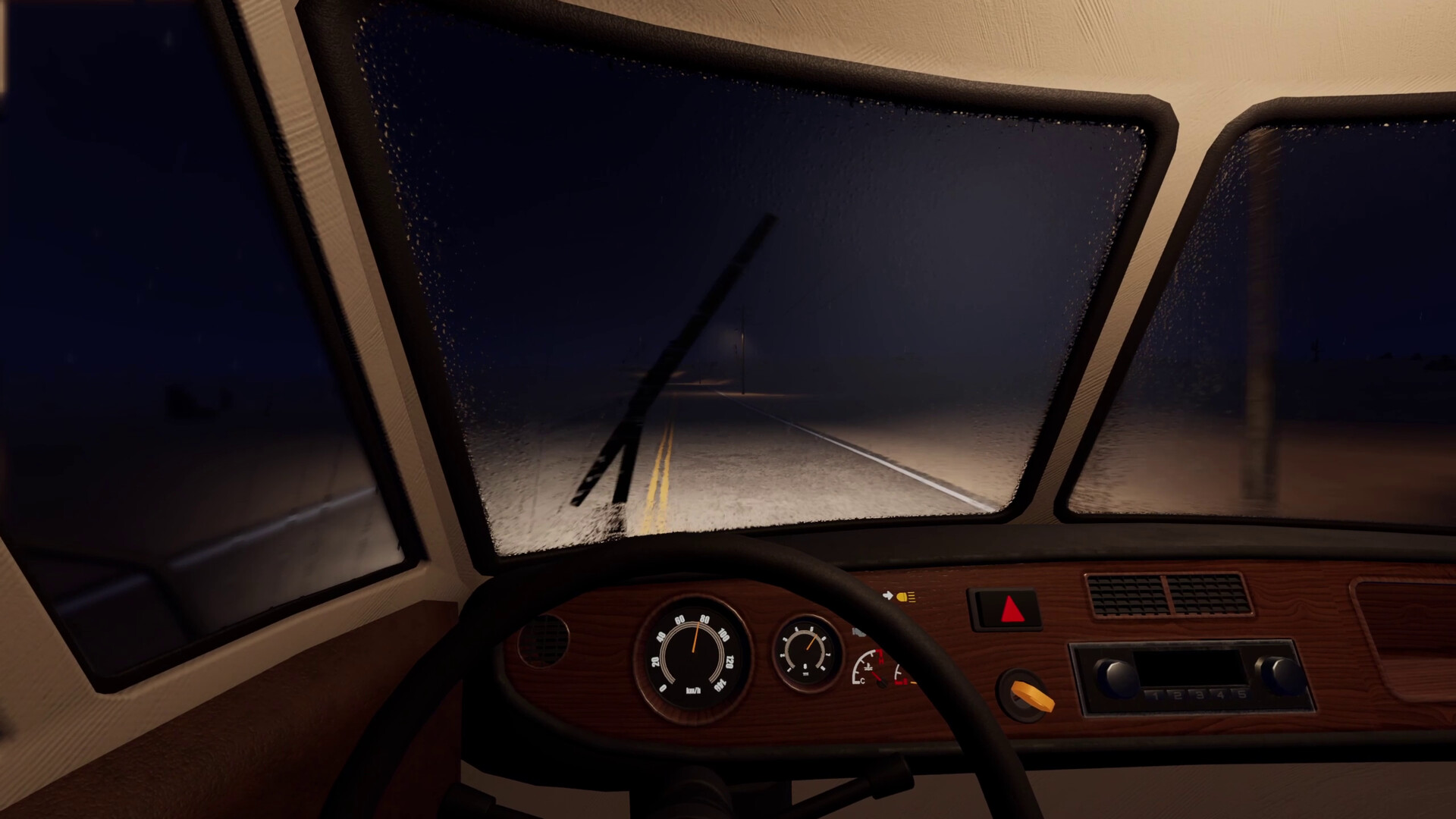
Nomad Drive is an Early Access driving, exploration and survival simulation from Indie Devil, where you repair and customize a rundown RV and survive in a procedurally generated post-apocalyptic world. Start on Windows PC through Steam, where you can buy the game or download the free demo.
Indie Devil is both the developer and publisher, which helps identify the correct game when browsing the store. Nomad Drive entered Early Access on October 27, 2026. Your broad objective is to gather resources, keep your RV going and survive as long as you can.
What You Do on the Road
The RV is central to the journey: you repair and upgrade its parts while turning the interior into your own living space. Customization includes stoves, refrigerators, toilets and seating areas. If you enjoy maintaining a vehicle and arranging a travelling home, those activities are part of the game's core appeal.
Away from the RV, you explore abandoned locations and roads to collect resources for survival. Procedural generation gives new games different starting points and experiences. Approach your opening journey as a chance to learn how exploration, supplies and vehicle upkeep fit together, rather than trying to memorize a route.
Cooking and growing food are also part of life on the road. You can use the RV's kitchen to prepare found food, or plant discovered fruit and vegetable seeds in pots. These give you activities to explore once you are comfortable with the basic goal of keeping yourself and your vehicle ready to travel.
Choose the Steam Game or the Free Demo
Choose the demo if you want to try Nomad Drive before buying. The paid game is available in Early Access, while the updated demo offers a reduced-content version of the newer build. Use the demo to decide whether the combination of RV maintenance, driving and survival suits you.
| Option | What to Expect |
|---|---|
| Paid Early Access game | Buy Nomad Drive through Steam to begin playing the Early Access game on Windows PC. |
| Free downloadable demo | Try a reduced-content version of the newer build through the Steam demo route. |
If you already have an older demo installed, update it through Steam before returning. Saves from the previous demo are incompatible with the replacement demo. Plan a fresh start in the updated demo instead of relying on an older save.
Check Your Windows PC and Preferred Controls
Compare your PC with the requirements on the Steam page before downloading. The minimum listing specifies 64-bit Windows 10 or 11, an Intel Core i5-8400 or AMD Ryzen 5 2600, and 12 GB RAM. It also lists a GTX 1060 6 GB or RX 580 8 GB, DirectX 11 and 3 GB of available storage.
Steam lists full controller support, and English is among the supported languages. Consider your preferred controls when choosing how to begin. Once you are in the game, take a moment to get comfortable with interaction and driving before committing to a longer journey.
From the Steam Page to Your First Drive
- Open Nomad Drive on Steam to reach Indie Devil's Windows PC game and the available demo route.
- Choose the paid Early Access game or the free demo, depending on whether you are ready to buy or want to try it first.
- Start a new game to enter the world and begin preparing your RV for the journey ahead.
- Gather the equipment requested by Gather Your Tools, using the opening objective to guide your search.
- Fit the essential vehicle parts requested by Build Your First RV to prepare your rundown vehicle for the road.
- Add fuel as requested by the opening RV objective so your vehicle preparation includes its fuel supply.
- Start the prepared RV's engine to begin the driving side of your survival journey through the generated world.
Choose Solo Play or Bring Friends Along
Nomad Drive supports single-player and online co-op for 1–4 players. Choose solo play if you want to learn the interactions and explore at your own pace. Choose online co-op if you would enjoy having friends along for the road trip.
Keep your opening goal manageable: get familiar with the RV, follow the starting objectives and learn what you need before moving on. Leave ambitious decorating projects until you feel comfortable with basic preparation. You can then decide whether exploration, improving your living space or learning the survival activities is what you most want to pursue.