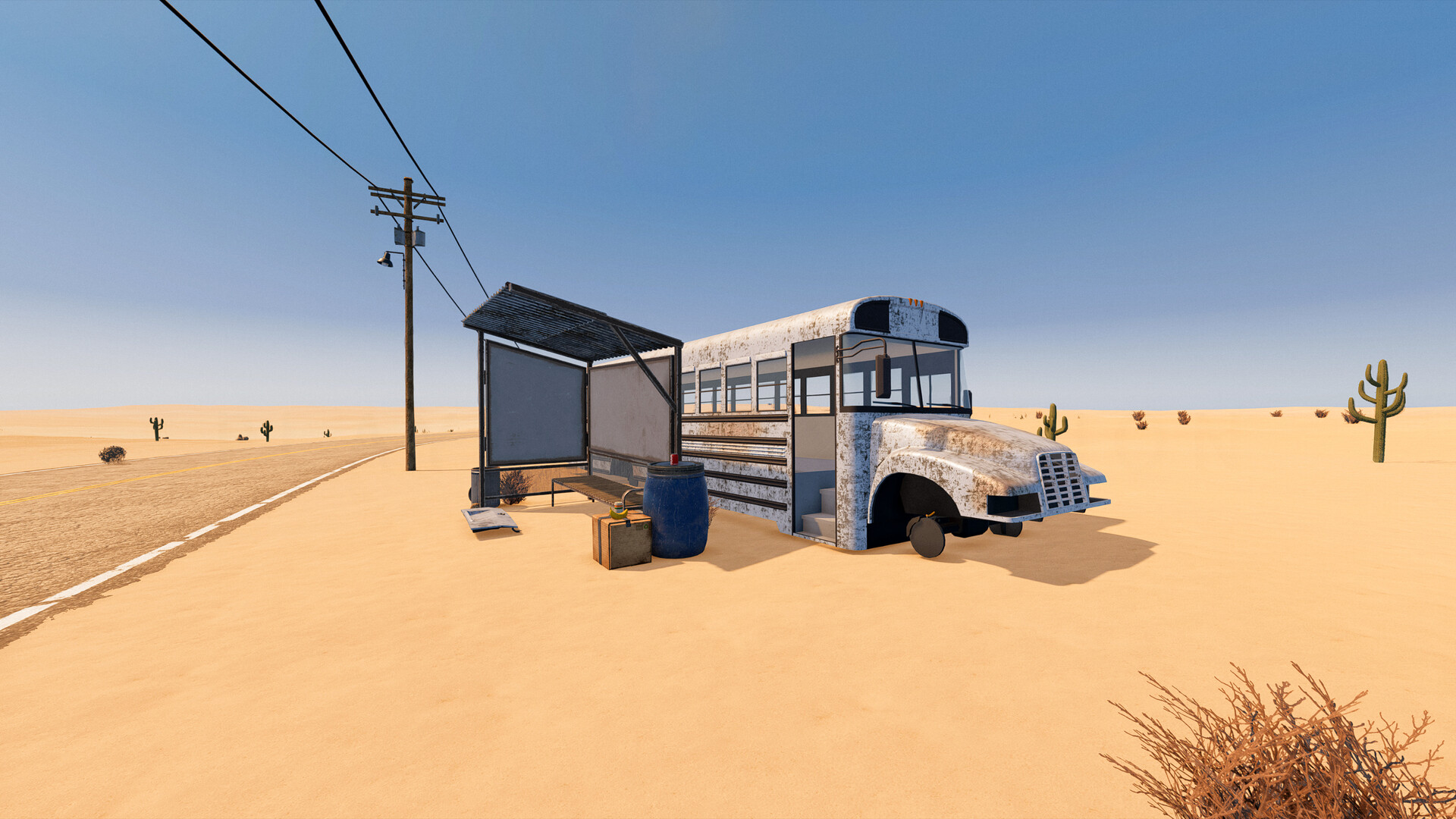
Download, play together and get set up
Nomad Drive is available for Windows PC through Steam as a paid Early Access game, with a separate free demo and solo or online co-op play for up to four players. You can change keyboard bindings in Settings, and the PC storefront lists full controller support.
Download or update the demo
- How do I get the demo, and how does it differ from the paid game?
- Open the official Steam listing and select Download Demo to try Nomad Drive free. The replacement demo is a reduced-content version of the newer game build, giving you a way to try the experience before buying the Early Access game.
- Open Nomad Drive on Steam and select Download Demo.
- If you already have the demo installed, update it through Steam to get the replacement build.
- Begin a fresh demo save after the replacement update: saves from the older demo do not work in the updated demo.
Compare the free demo and paid game
| Option | Details |
|---|---|
| Nomad Drive Demo | Free download with reduced content from the newer game build. |
| Nomad Drive in Early Access | Paid release with further development planned during Early Access. |
Check the amount displayed in your Steam region before paying. Choose the demo if you want to try the game first.
Find and change your PC controls
- Where can I see my controls and change the keybindings?
- Check the controls menu in Settings for your keyboard-and-mouse bindings. Actions are organized into categories such as on-foot and driving, and remapping includes conflict detection to help you avoid accidentally assigning the same key.
- Open Settings and enter the controls menu to inspect your current bindings.
- Choose the appropriate action category, such as on-foot or driving, and remap the action you want to change.
- Resolve any binding conflict reported by the menu before returning to play.
The PC Steam listing includes full controller support, with DualShock and DualSense support also listed. While learning the driving layout, check the on-screen driving-actions panel for the available actions.
Play solo or with friends
- Does Nomad Drive support multiplayer or co-op?
- Yes. The paid Steam game supports online co-op for up to four players sharing a road-trip session. Solo play is also available, so you can begin a trip without assembling a group.
- How do I join a friend's session?
- Join the host using their shared code. Multiplayer uses peer-to-peer connections; agree on who will host before starting, then use that host's code to join the session.
Choose a platform
- Which PC platforms and storefronts support Nomad Drive?
- The released Early Access game is available for Windows PC through Steam. No native macOS or Linux version is listed, so use the Windows requirements below when checking your computer.
- Can I play Nomad Drive on PS5 now?
- No. The official PS5 PlayStation Store page is marked Announced without a release date. For a version you can play now, use the Windows release on Steam.
- What has the developer announced for Xbox?
- The developer has described bringing Nomad Drive to Xbox and PlayStation stores as a future plan. That announcement gives no specific Xbox launch date.
- What is the Steam Deck compatibility status?
- Steam Deck compatibility has not yet received a Steam rating. Check the device's compatibility report before choosing it for your trip; full controller support alone does not establish handheld performance.
Understand the Early Access release
- When did Nomad Drive release, and what comes next?
- Nomad Drive entered Steam Early Access on October 27, 2026. The developers estimate 6–12 months to reach version 1.0, with more biomes, RV customization and survival/crafting content planned. Treat that timeframe as a development estimate when deciding whether to buy during Early Access. Major system changes may sometimes require save-file wipes.
Check your Windows PC requirements
Compare your PC with Steam's minimum and recommended Windows specifications below. Check the processor and graphics card as well as RAM, and include the graphics card's memory in your comparison.
| Minimum Windows requirements | Recommended Windows requirements |
|---|---|
| OS: Windows 10 / 11, 64-bit. | OS: Windows 10 / 11, 64-bit. |
| Processor: Intel Core i5-8400 / AMD Ryzen 5 2600, 6 cores. | Processor: Intel Core i5-12400F / AMD Ryzen 5 5600X. |
| Memory: 12 GB RAM. | Memory: 16 GB RAM. |
| Graphics: NVIDIA GTX 1060 6 GB / AMD RX 580 8 GB. | Graphics: NVIDIA RTX 3060 Ti / AMD RX 6700 XT, 8 GB+ VRAM. |
| DirectX: Version 11. | DirectX: Version 12. |
| Storage: 3 GB available space. | Storage: 3 GB available space. |
- Compare your complete hardware specification with the minimum column before downloading.
- Keep the listed storage space available for the game.
- On first launch, start with the default graphics quality selected automatically for your hardware.
- If performance is poor, reduce graphics quality and set a frame-rate limit as starting adjustments.