Choose a Seed That Matches Your Version
Enter a shared seed in the world-seed field when creating a game, and use a recommendation made for your version of Nomad Drive. The published demo seed table describes different worlds from Early Access, so its starting tools and vehicle locations are not current guarantees.
The older table cannot supply a best-seed recommendation for Early Access. For an Early Access run, choose a shared route whose author identifies the version and describes the starting area, major stops and vehicle encountered. Those details give you something useful to compare before committing to the route.
Keep the Version and Settings With the Seed
Before trying a recommendation, check which game version its author used. Keep that information beside the seed and route description so you can recognize advice written for the older demo. A familiar seed value alone does not make an old route suitable for Early Access.
Keep the shared run's difficulty and resource settings too, when the author provides them. Early Access offers settings for how much food, water, fuel, parts and medicine a world contains. Matching the supplied setup makes your comparison more useful when judging whether a route suits your needs.
How to Enter and Check a Shared Seed
- Select a shared seed whose author names the same Early Access version you are playing. This gives you an appropriate route to compare with your own run.
- Enter the shared value in the world-seed field when creating a game. This lets you choose a seed instead of generating a random world.
- Inspect the starting area against the author's description. Use the details supplied for that version as your initial comparison before following the longer route.
- Follow the route direction described by the author. Keeping to the reported route makes the sequence of locations useful for comparison.
- Compare the first major stops with the shared route. If they differ, pause the comparison before relying on a promised vehicle farther along the road.
- Check the vehicle encountered against the recommendation. Use the vehicle you actually find to judge the route's value, while keeping older demo vehicle locations separate from Early Access expectations.
What a Shared Seed Helps You Compare
| What to Compare | How to Use the Result |
|---|---|
| Generated roads and locations | Compare the route and major stops within the same version. Older demo layouts do not establish the Early Access route. |
| Vehicles encountered along the route | Check the vehicle against the shared description. A vehicle location from the demo is not a current Early Access guarantee. |
| Doors that begin stuck or locked | Door states are determined when the world is created from its seed. They offer another comparison when a matching-version route describes them. |
Find an Early Vehicle Without a Demo Route
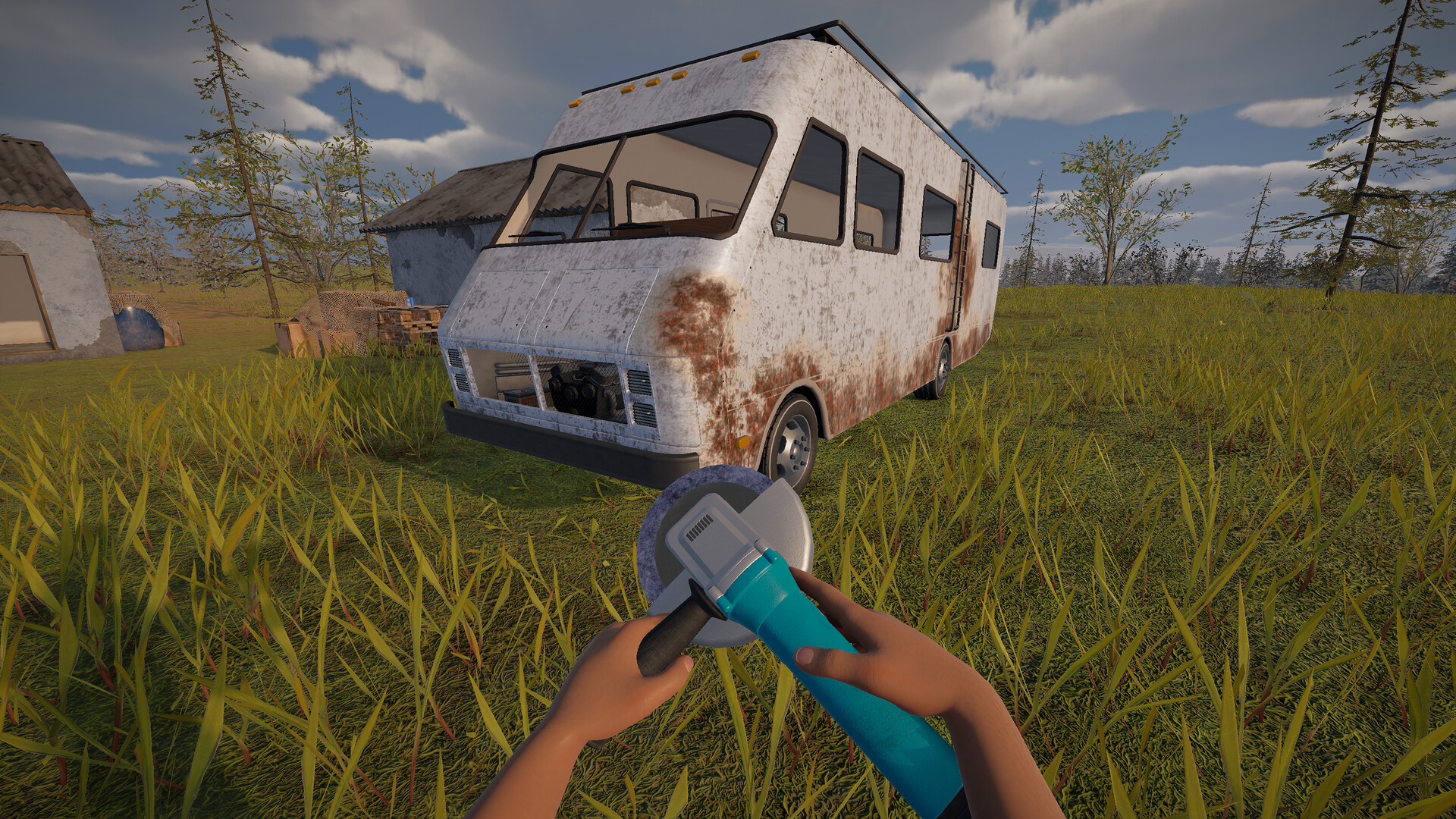
Early Access has a vehicle progression system you can follow while choosing a suitable world. The first additional vehicle is scheduled at about 3 to 7 km and waits at the first major stop reached after that distance. It can be the C-Class RV, Retro RV or School Bus; the Motorcycle does not occupy that first vehicle slot.
Your world seed decides the vehicle order. When choosing a recommendation for an early upgrade, favor one that names the vehicle and describes the route to it. That is more useful than a recommendation that only promises a nearby RV.